
MarkdownObserver
A macOS markdown reader that watches your files and tracks changes.
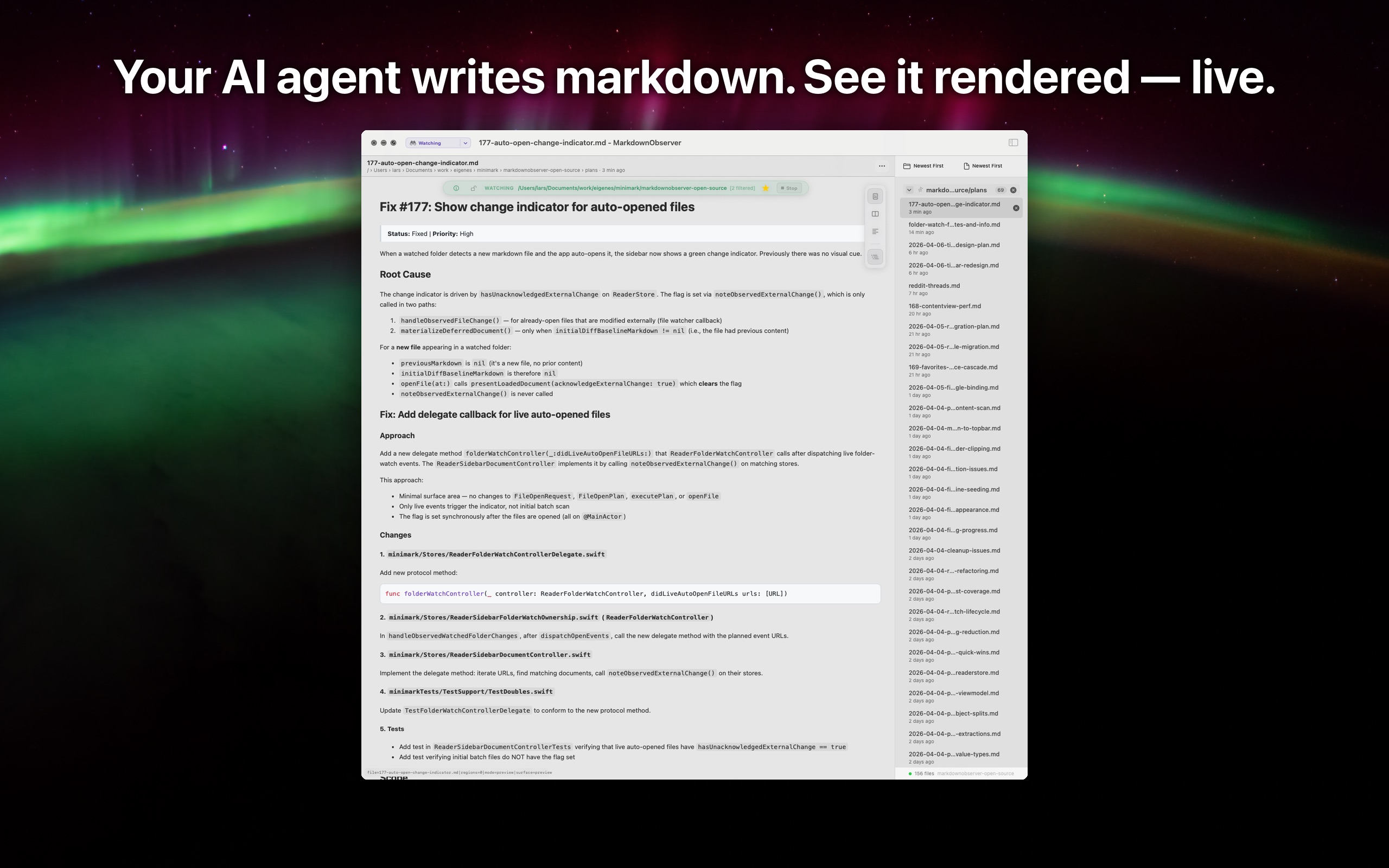
Point it at a project folder. When a file is added or modified — by an AI agent, an editor, or a script — it renders the markdown and highlights what changed.

How it works
Watch a folder
Pick a project directory. MarkdownObserver monitors it for new and changed markdown files.
Changes appear automatically
When a file is saved, the rendered preview updates within a second. New files open on their own.
See what changed
Green markers for additions, orange for edits. Step through each change or compare before and after.
Works with any tool that writes markdown to disk — Claude Code, Cursor, Aider, or your own scripts.
See it in action
Features
Focused on reading and tracking markdown in active projects.
Live Diff Tracking
See added, edited, and removed sections with color-coded gutter markers. Navigate through changes one by one, or compare before and after.
Folder Watching
Watch a folder for changes, optionally including subfolders. New markdown files auto-open as they appear. Uses event-based monitoring with a polling fallback so nothing gets missed.
Markdown Rendering
GitHub Flavored Markdown rendered natively — tables, task lists, code blocks with syntax highlighting, and inline images.
Multi-Document Workspace
Open multiple files in a sidebar. Drag and drop files into the current window. Save watched folders as favorites to resume later.
Sidebar Grouping and Sorting
Files grouped by subfolder. Pin important groups to the top. Sort groups and files independently.
File Selection for Large Folders
When a watched folder contains many markdown files, choose exactly which ones to open instead of loading everything.
Screenshots
Live rendered markdown with grouped sidebar
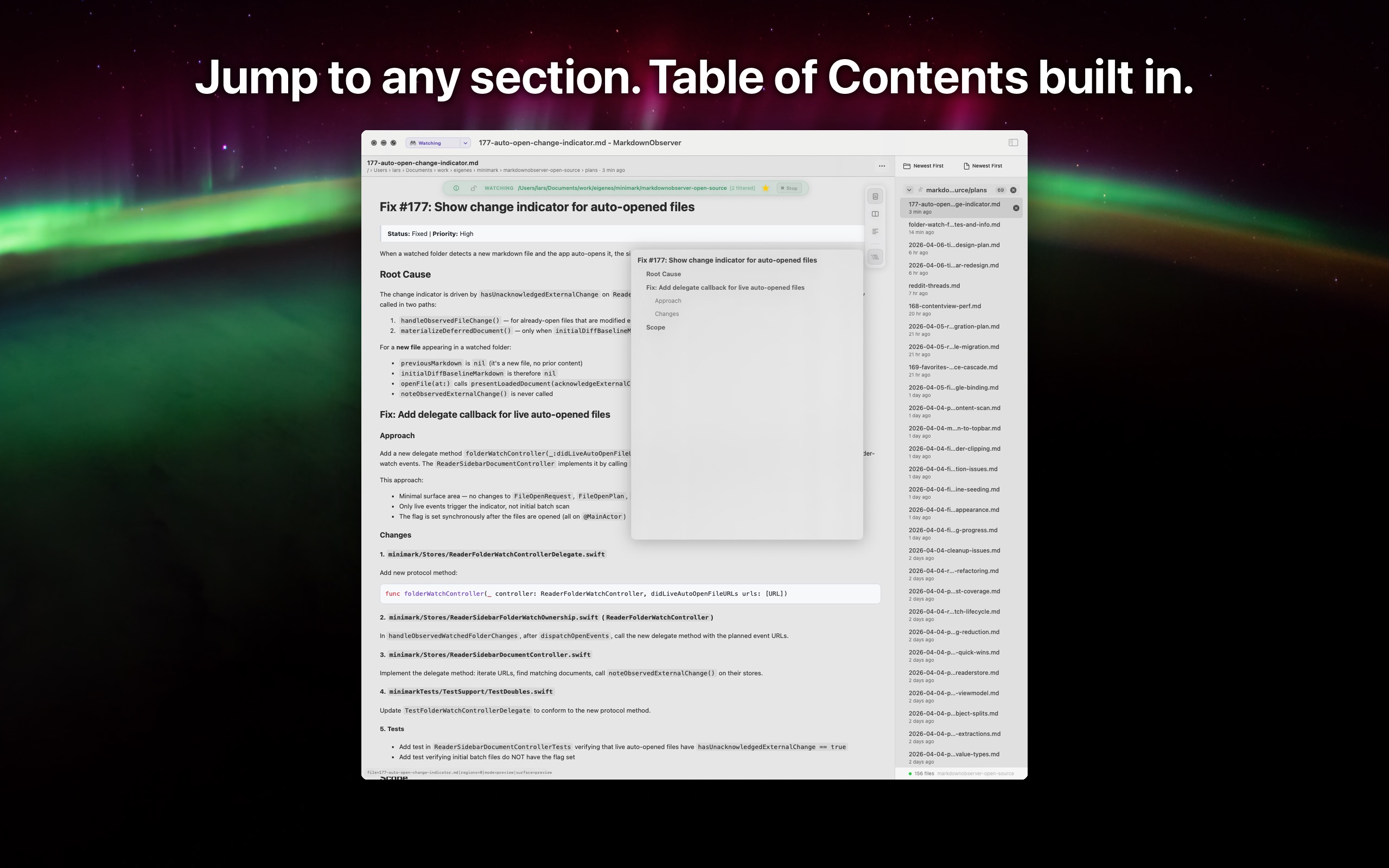
Jump to any section with Table of Contents
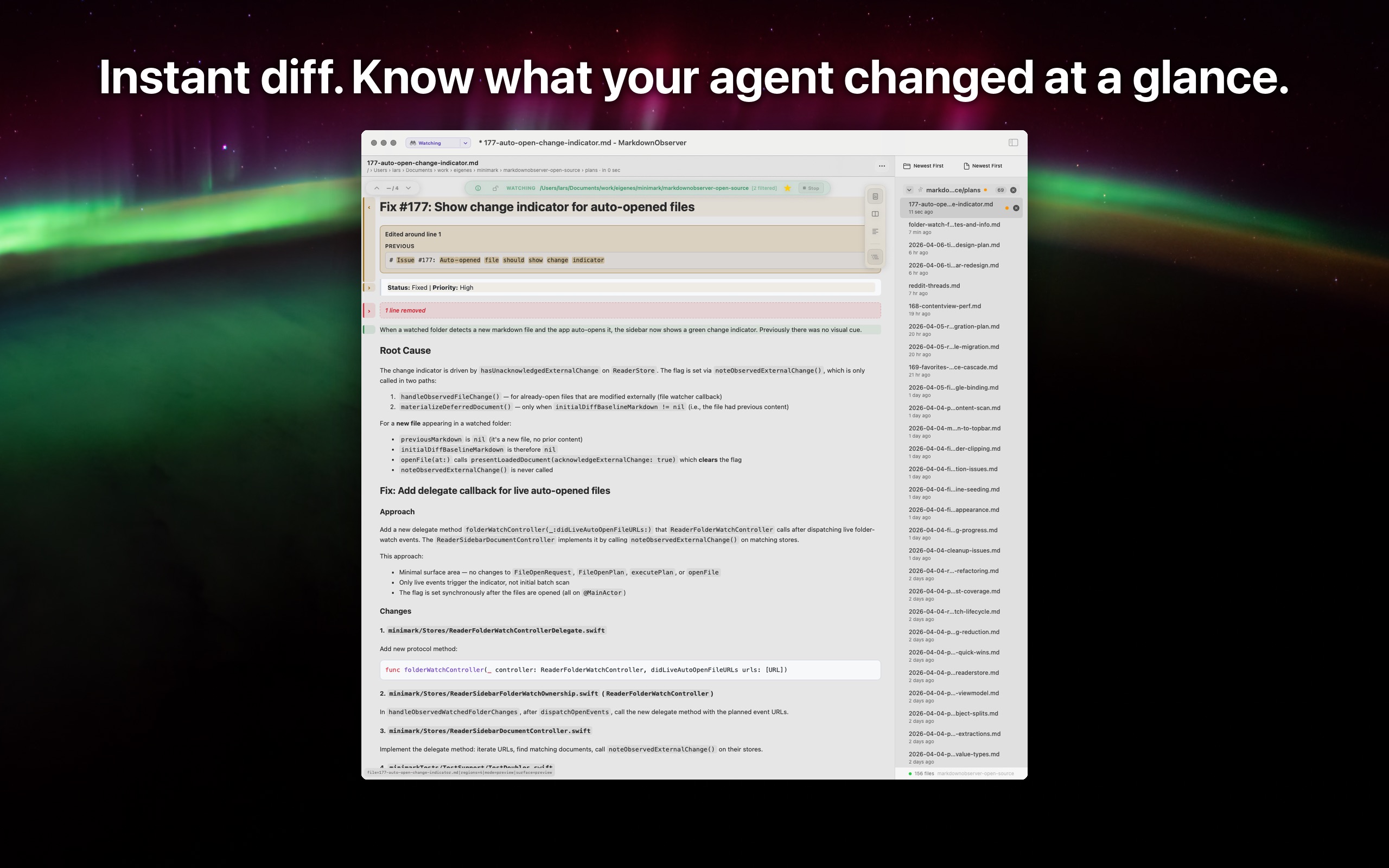
Inline diff markers showing what changed
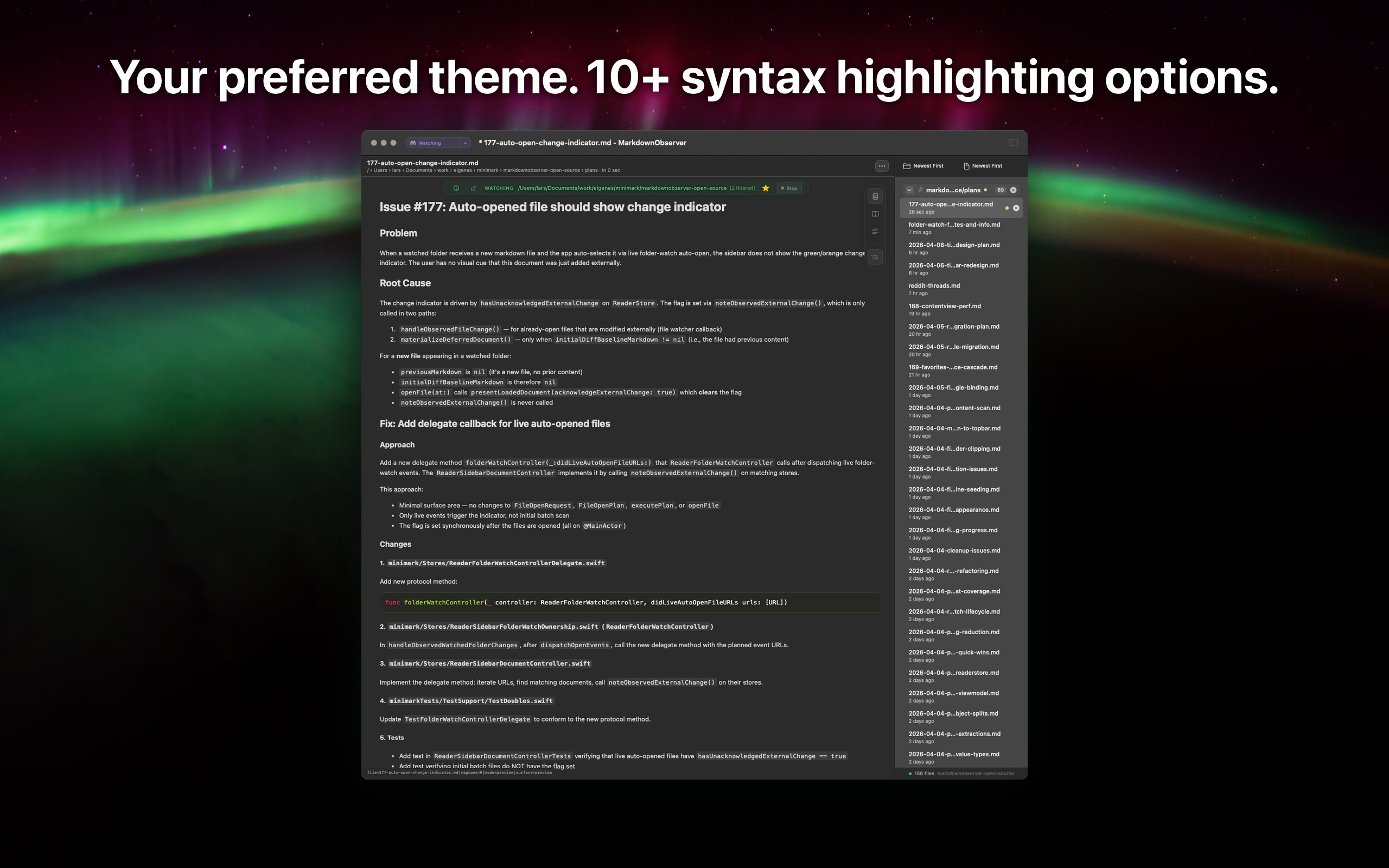
Dark theme with syntax highlighting
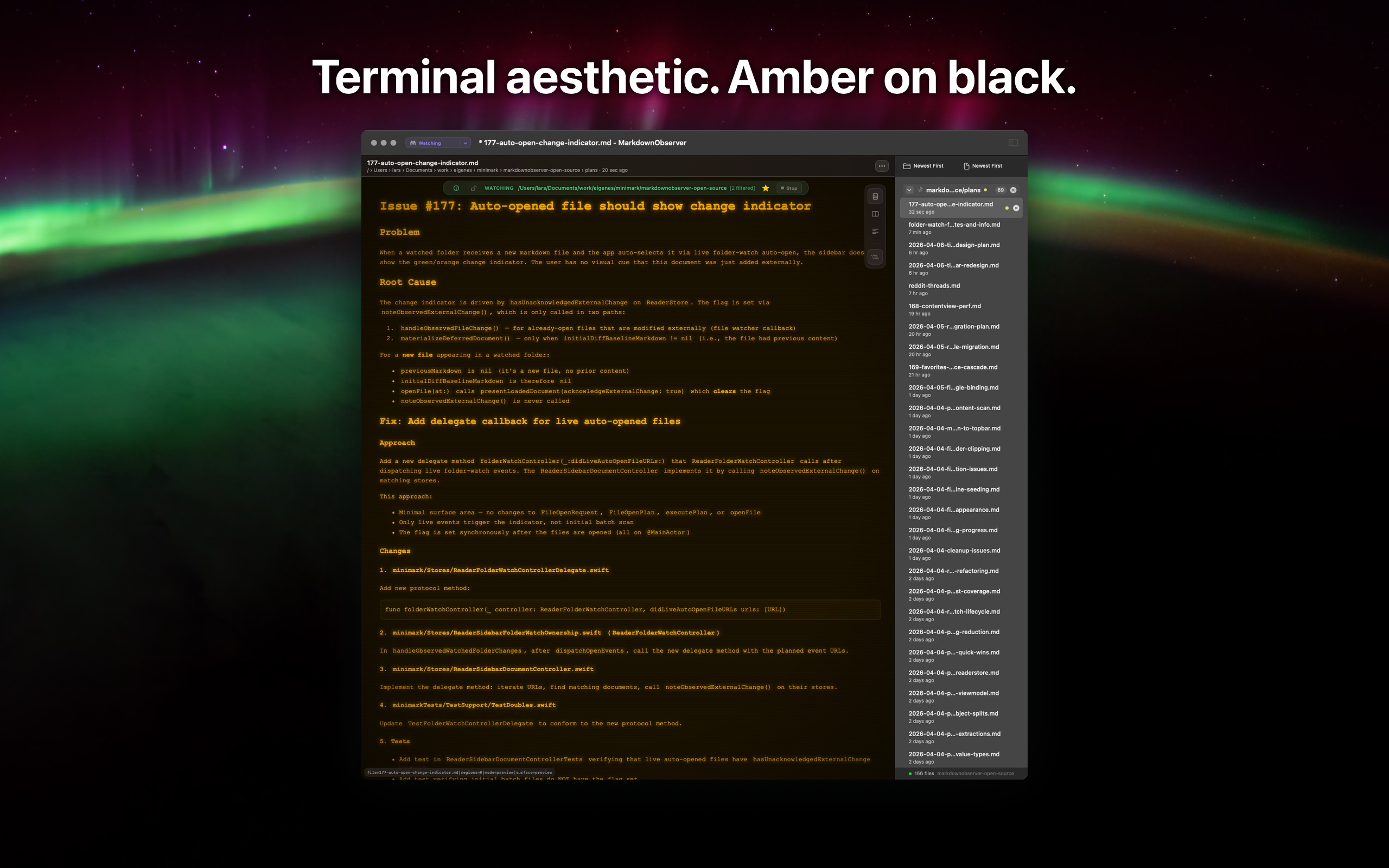
Amber Terminal theme
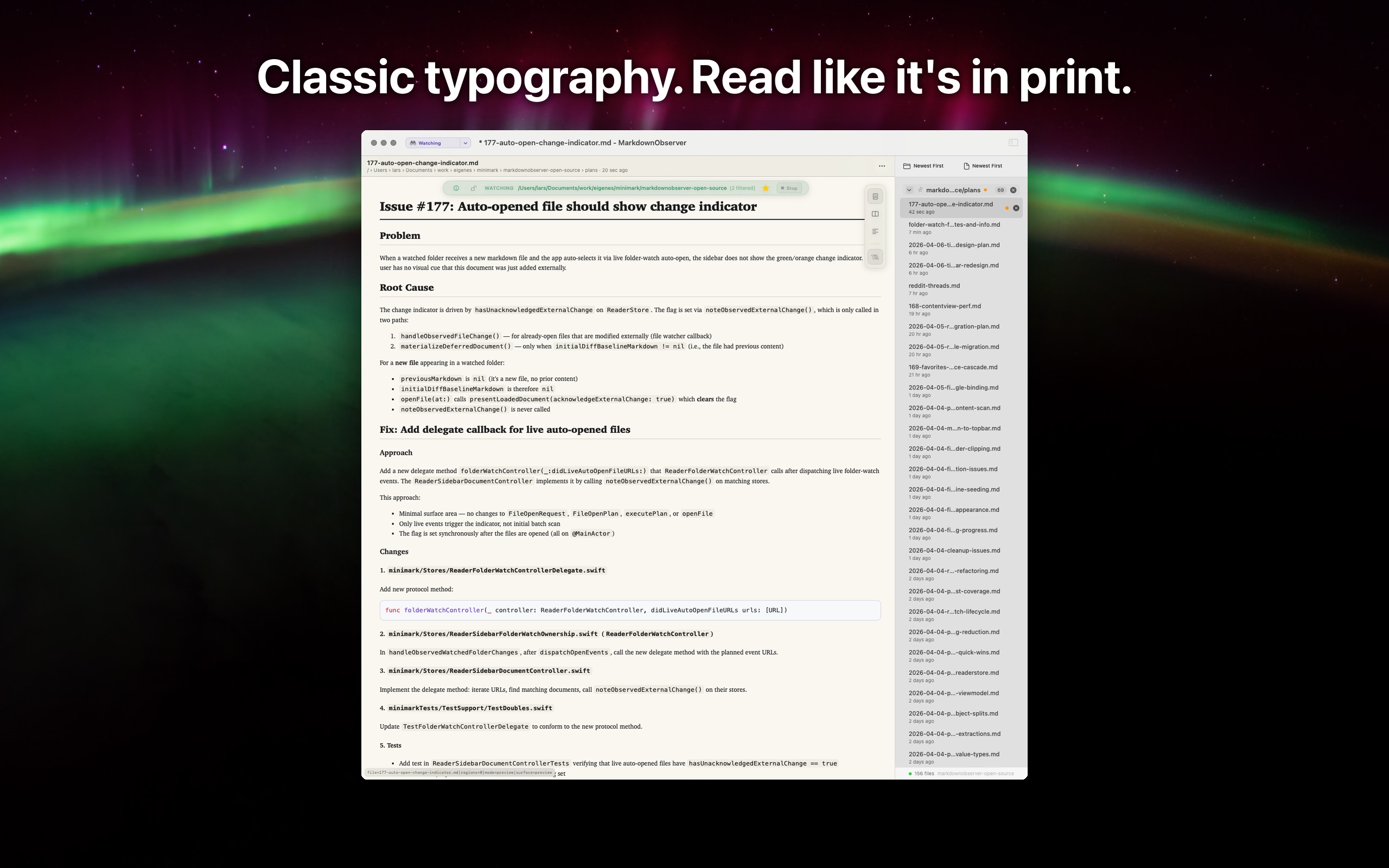
Newspaper theme with classic typography
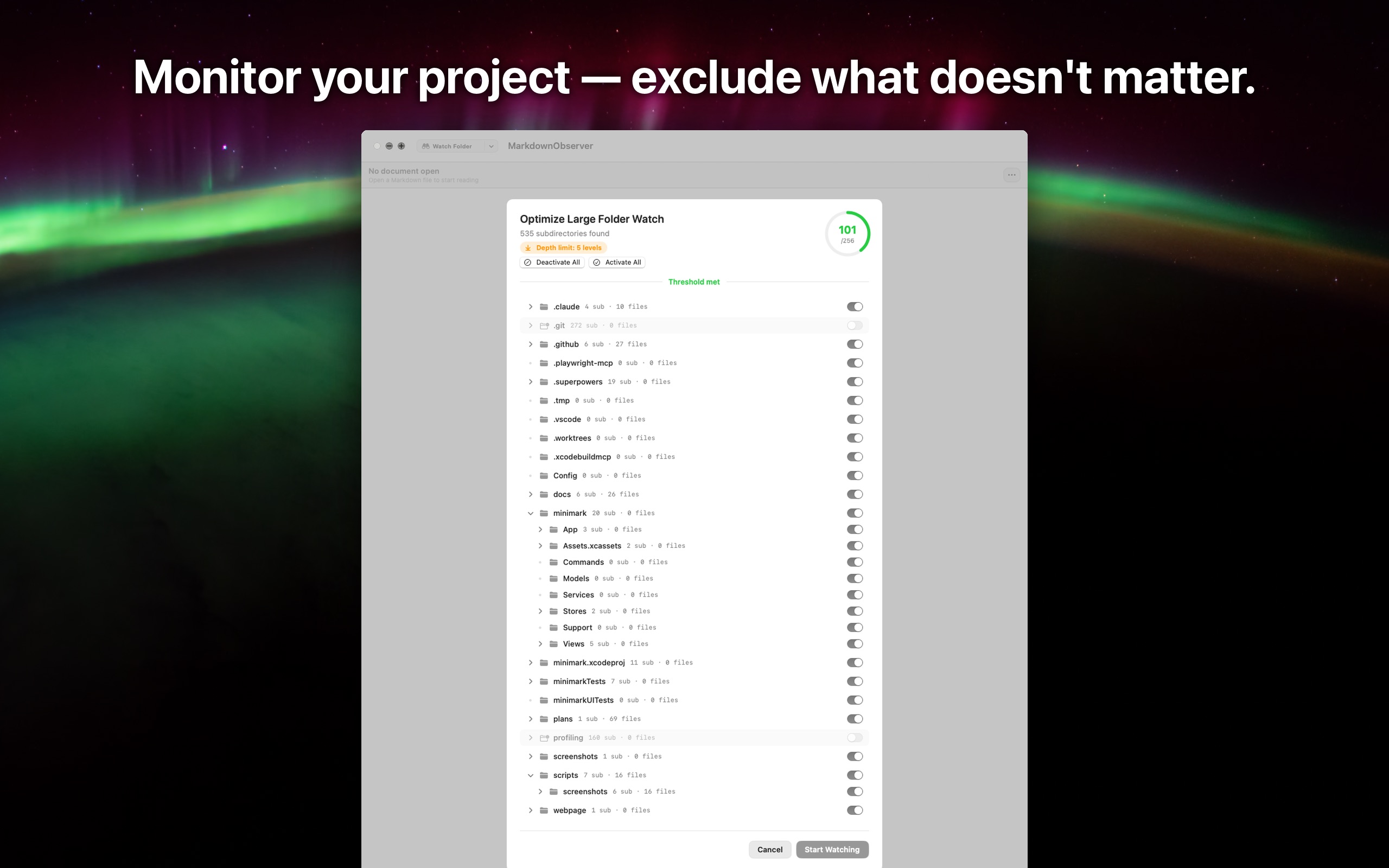
Exclude subfolders you don't need to watch
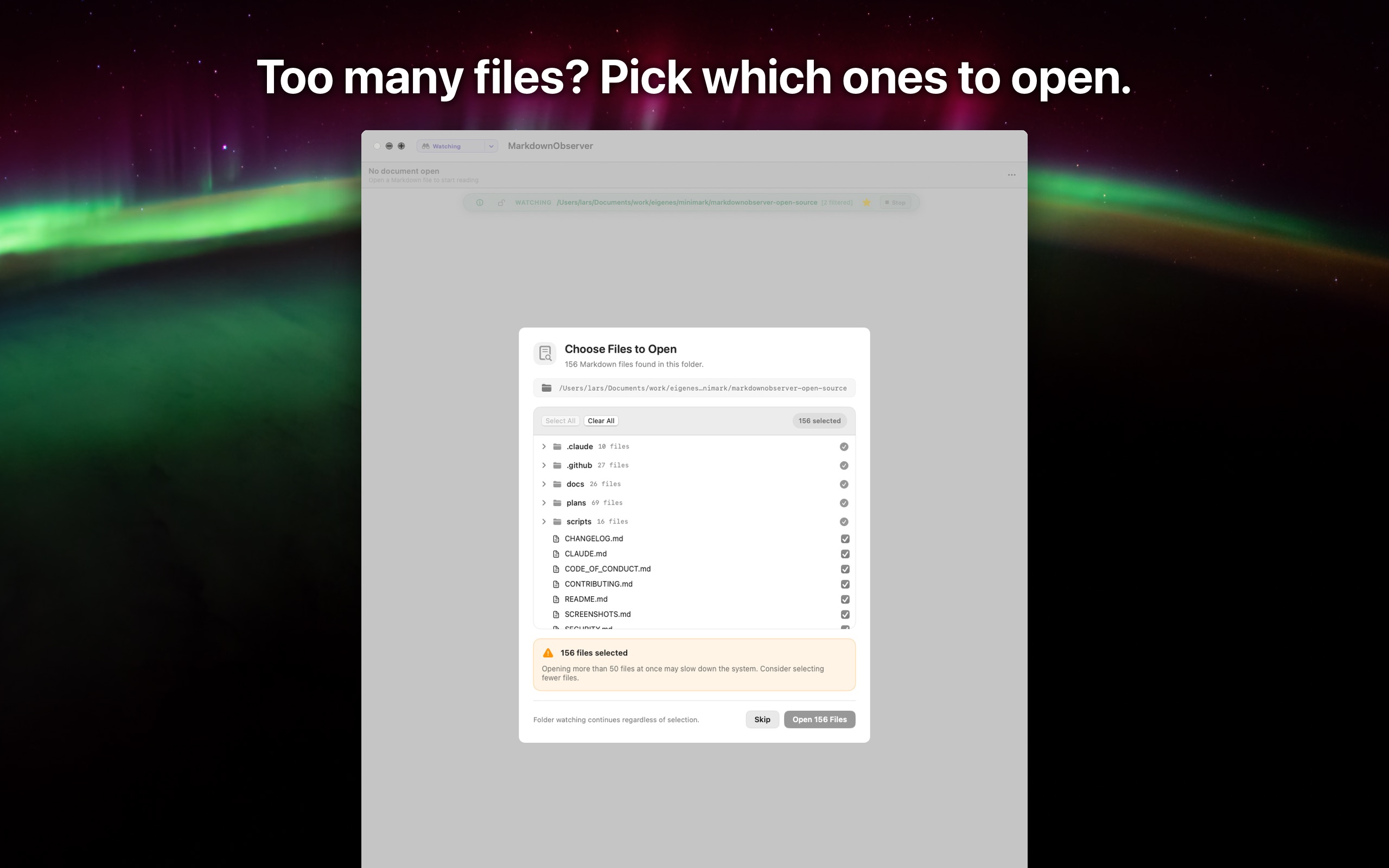
Pick which files to open in large folders
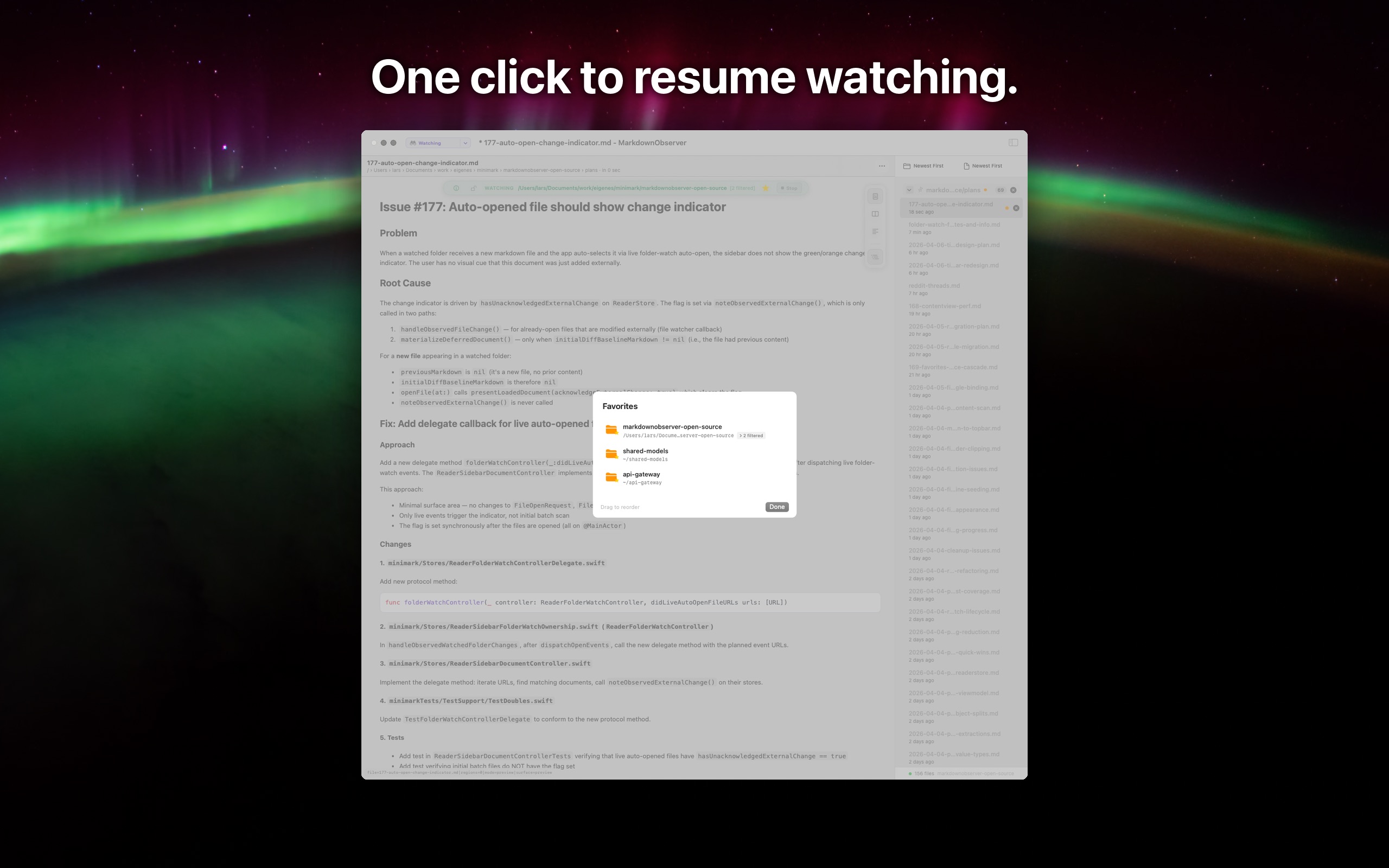
Resume watched folders from favorites
Open source, MIT licensed.
Built with Swift and SwiftUI. Everything runs locally — no network calls, no telemetry, no cloud sync. Open source so you can verify that yourself.
View on GitHub