Self-hosted · multi-user · open source
An RSS reader that lays feeds out like a magazine.
A web-based RSS/Atom reader, installed on a server of one’s own, with accounts for one or several users. It collects articles, podcasts, YouTube channels and the timelines of Bluesky and Mastodon accounts into a single reading column.
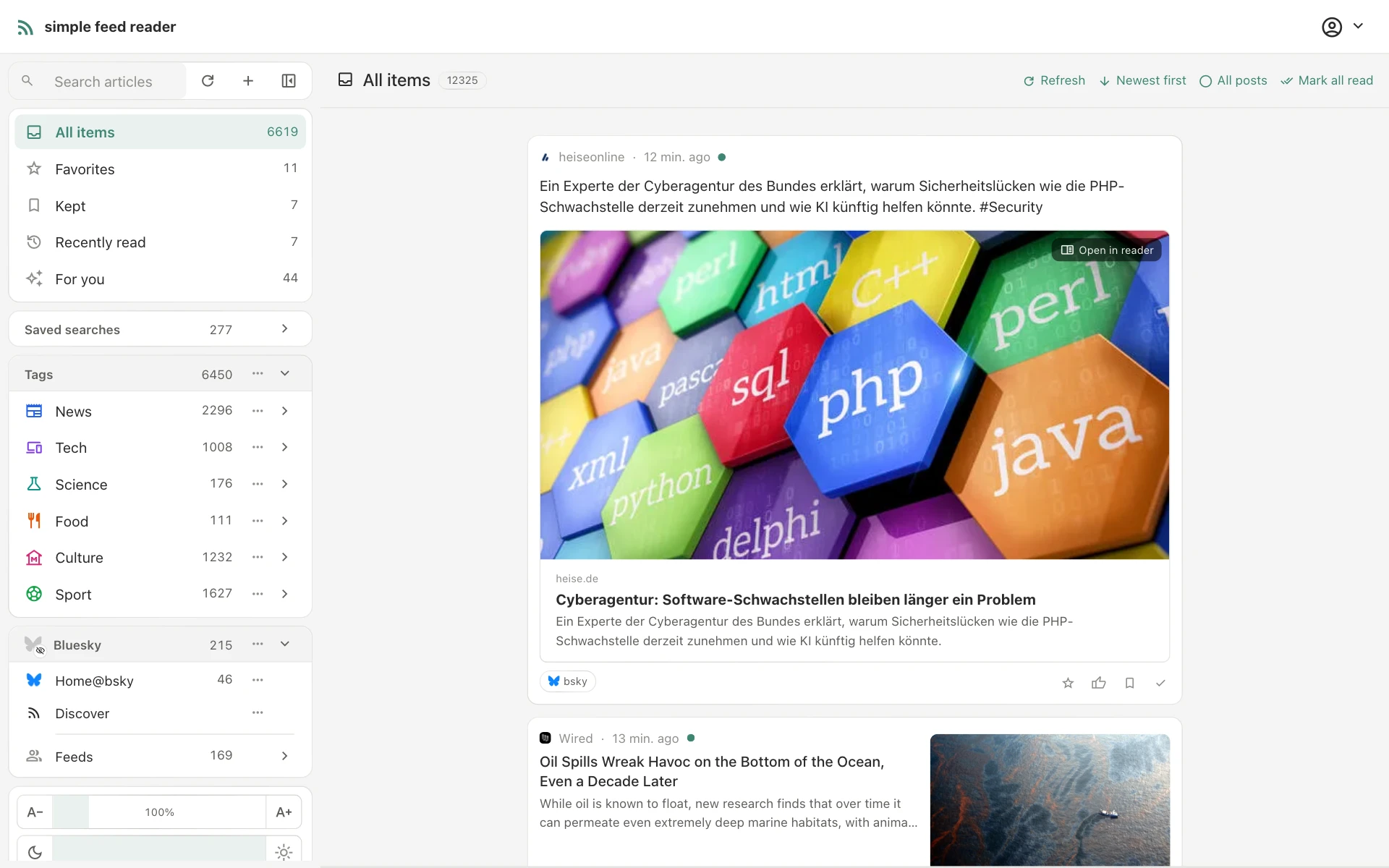
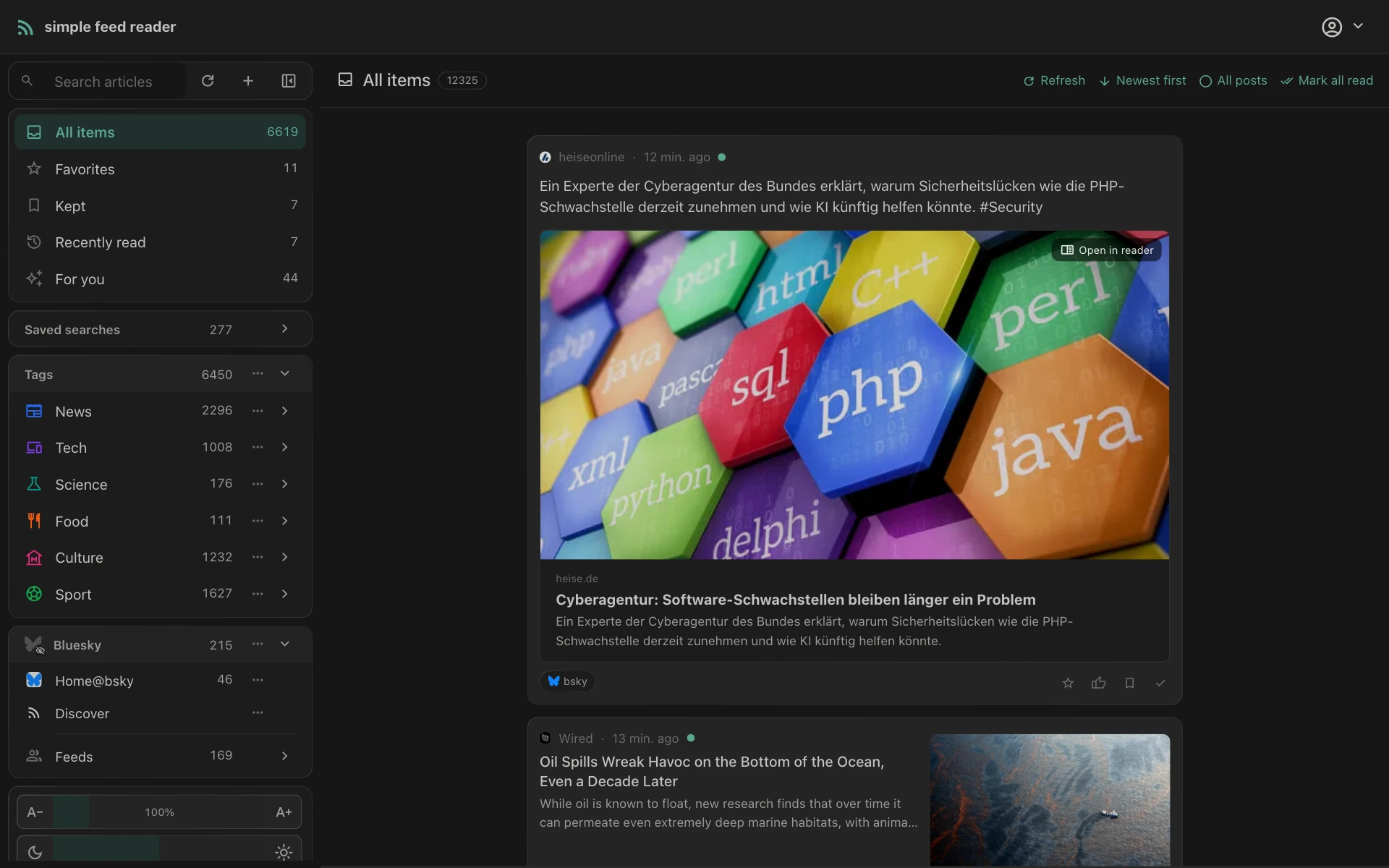
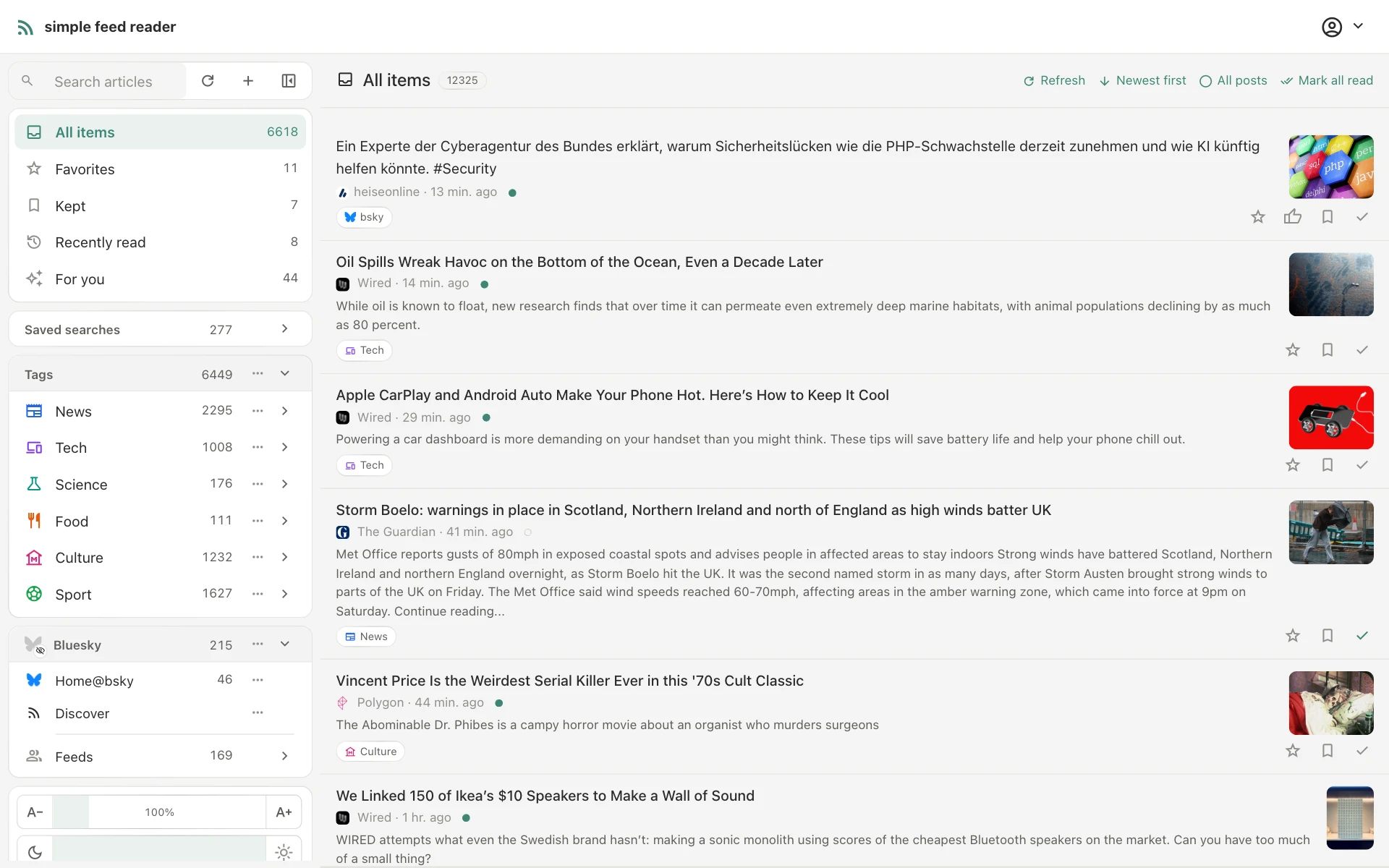
Layouts
Magazine, two-pane or compact list.
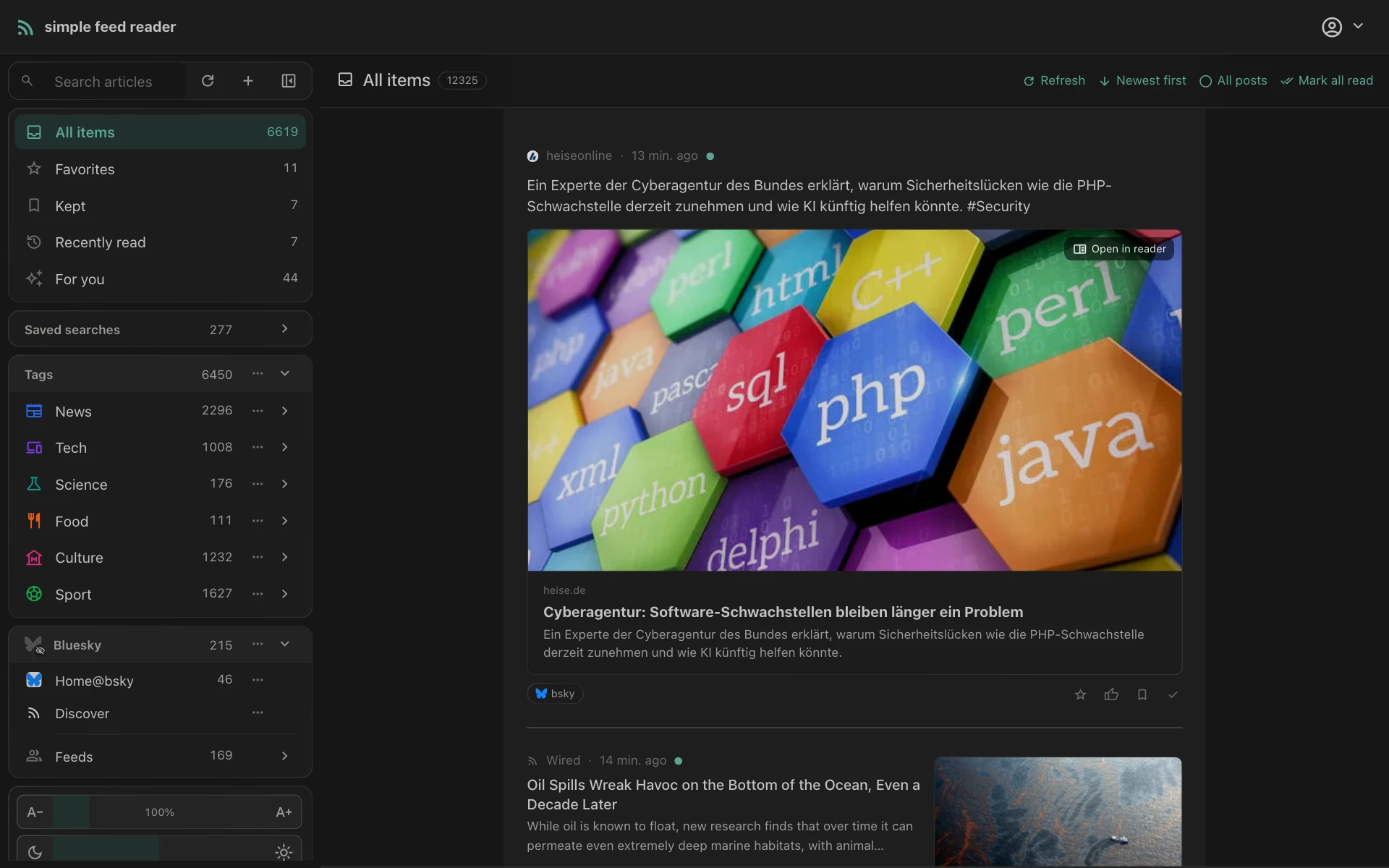
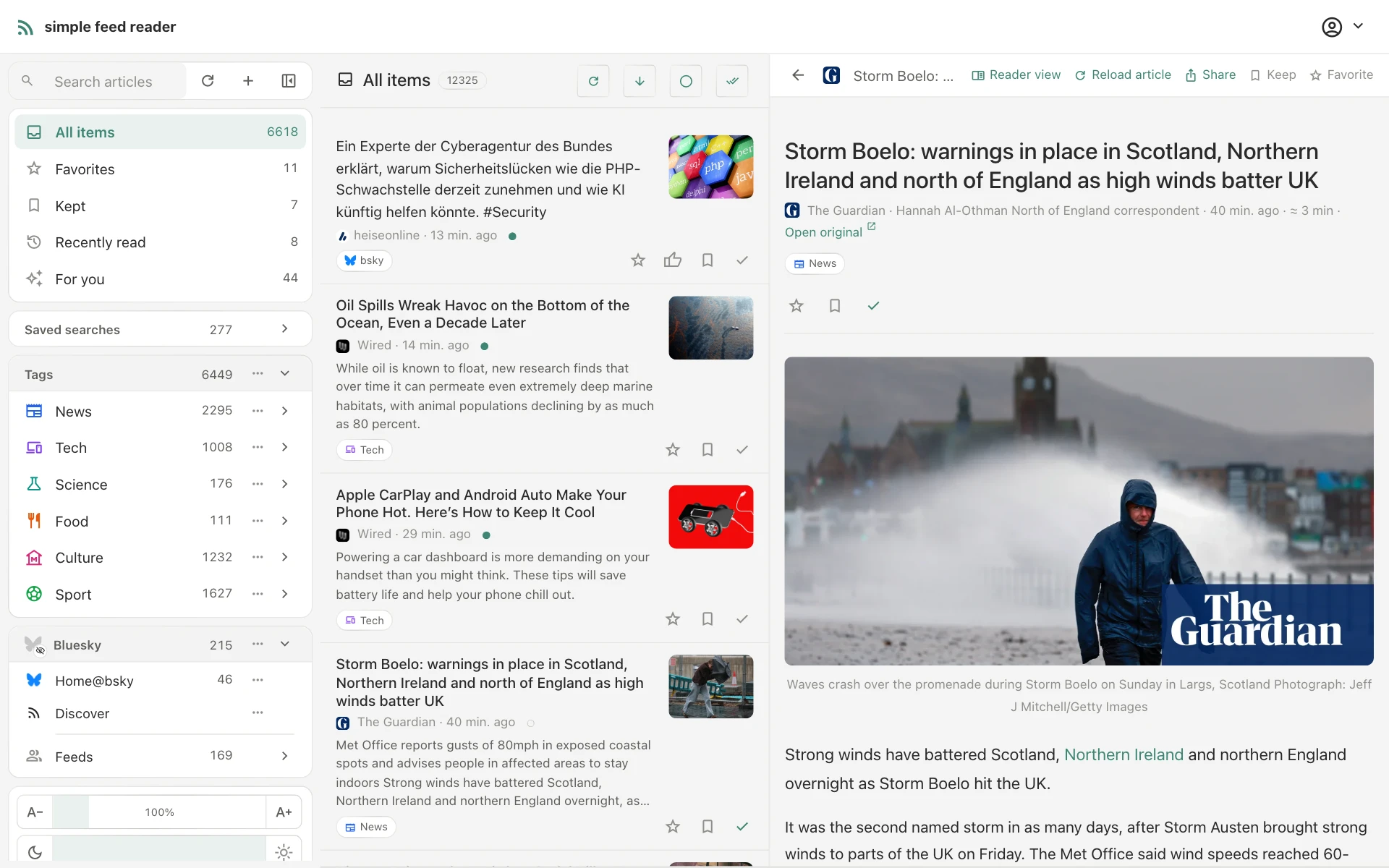
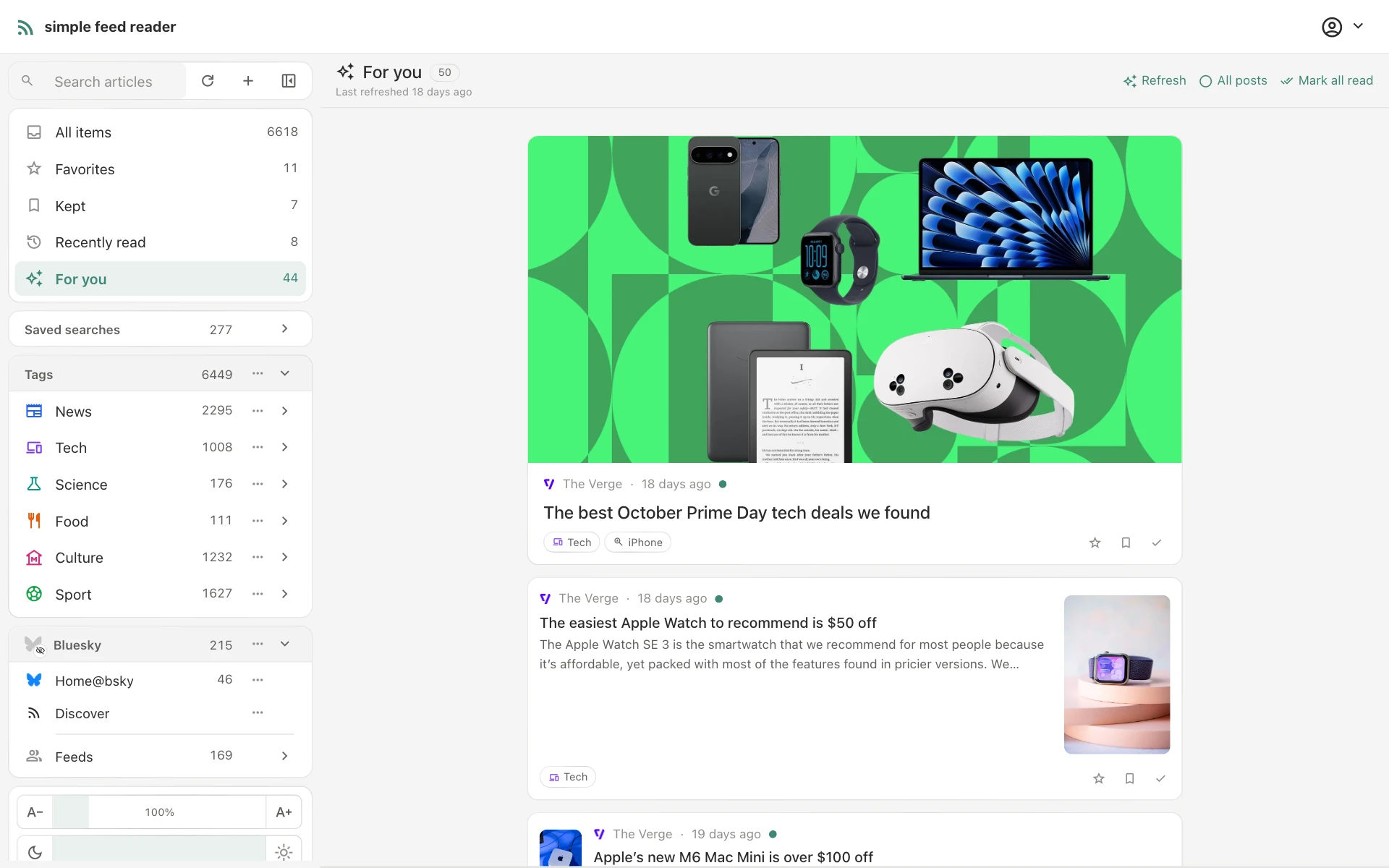
The layout can be switched at any time. The magazine gives the lead story a large image and varies the cards below it; the two-pane view shows the open article beside the entry list, with a draggable divider; the compact list shows one line per entry.
Features
Articles, audio, video and social timelines.
Reader view
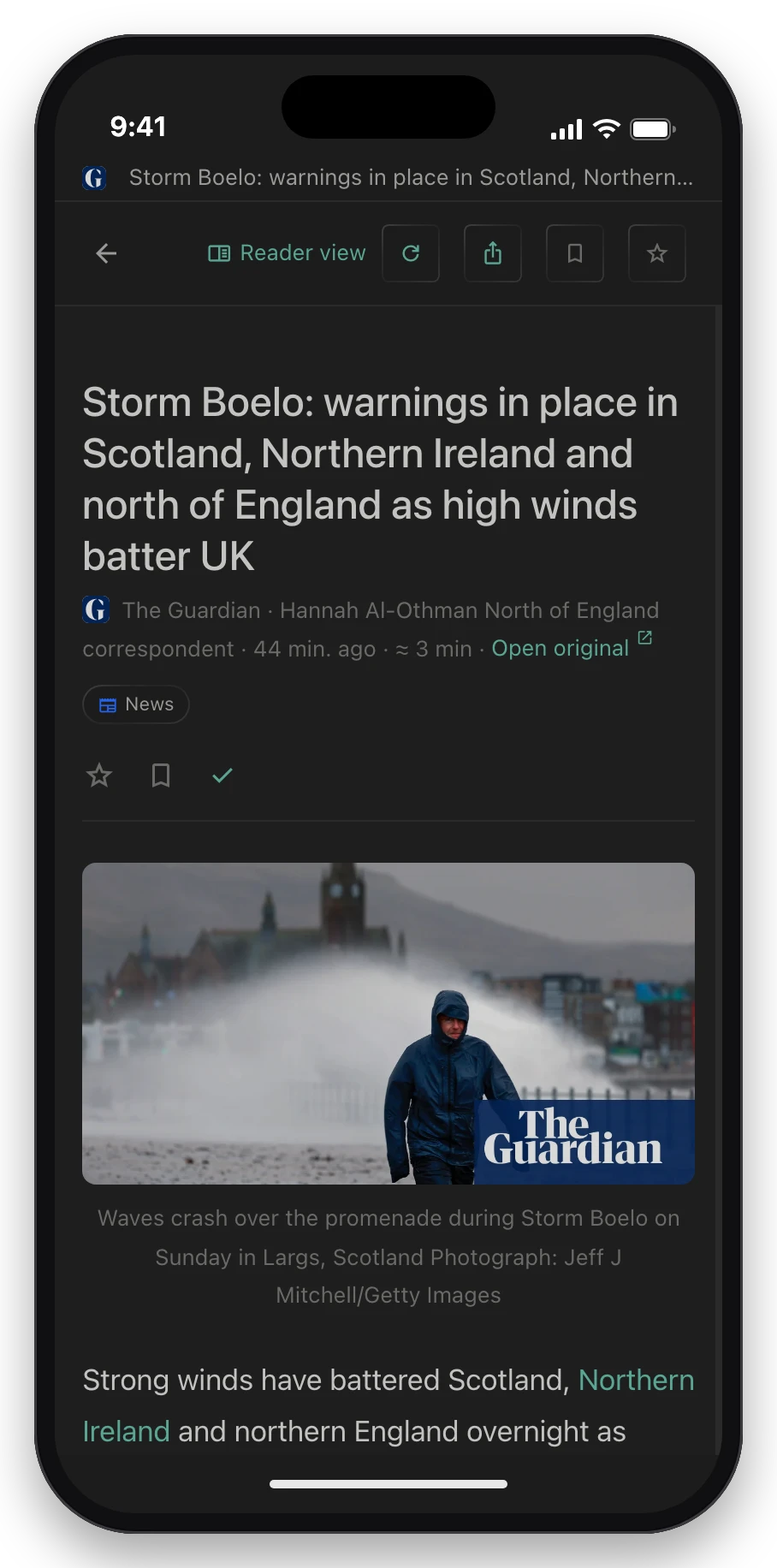
The extracted full text of an article with its images, audio and video inline. A reading-time estimate, a progress bar, and a focus mode that dims everything except the current passage.
Saved searches
Full-text search, including exact phrases in quotes. A search can be saved as a named view in the sidebar with its own unread count, and new matches can be sent as a daily or weekly email digest.
Podcasts & YouTube
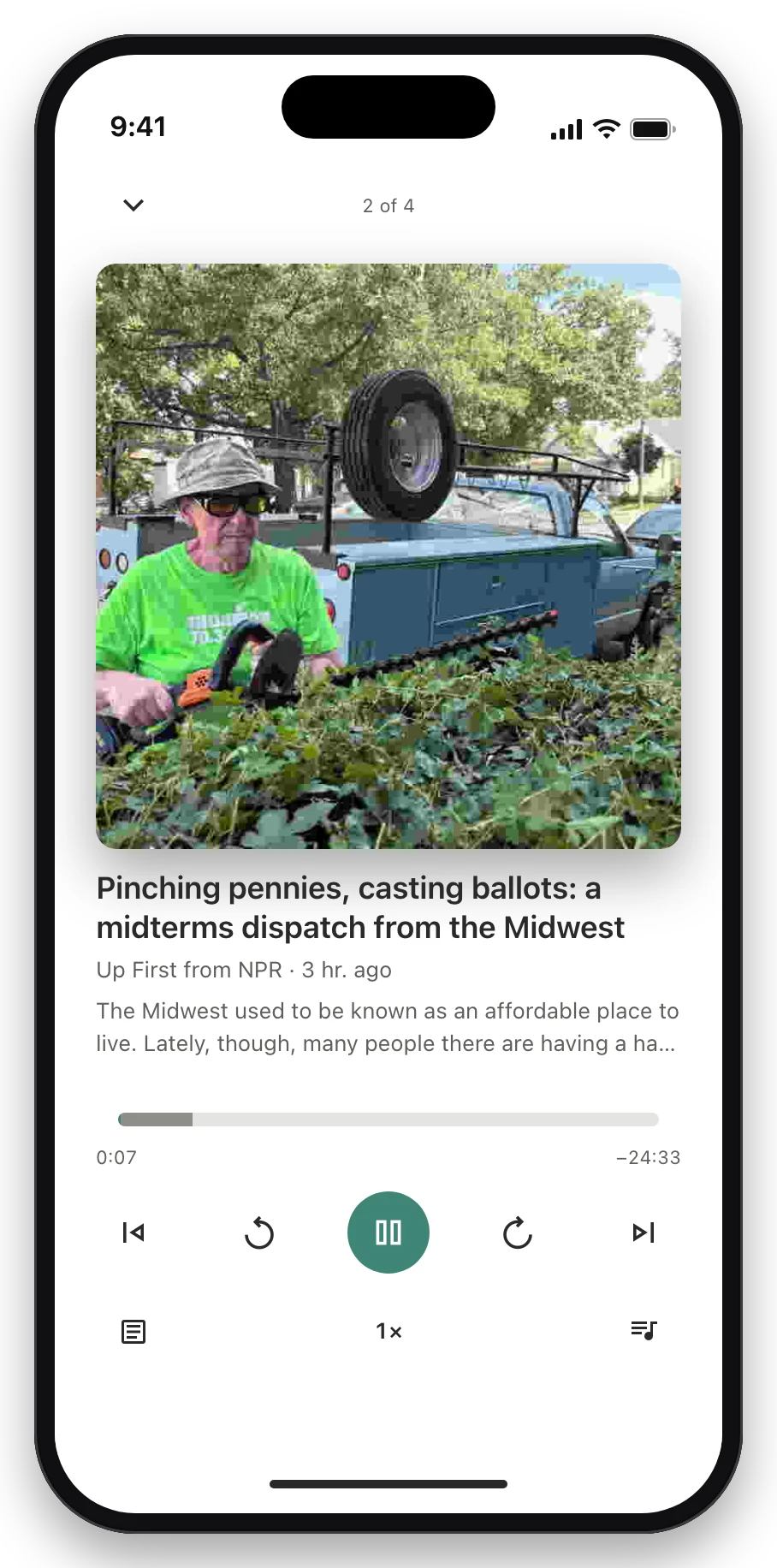
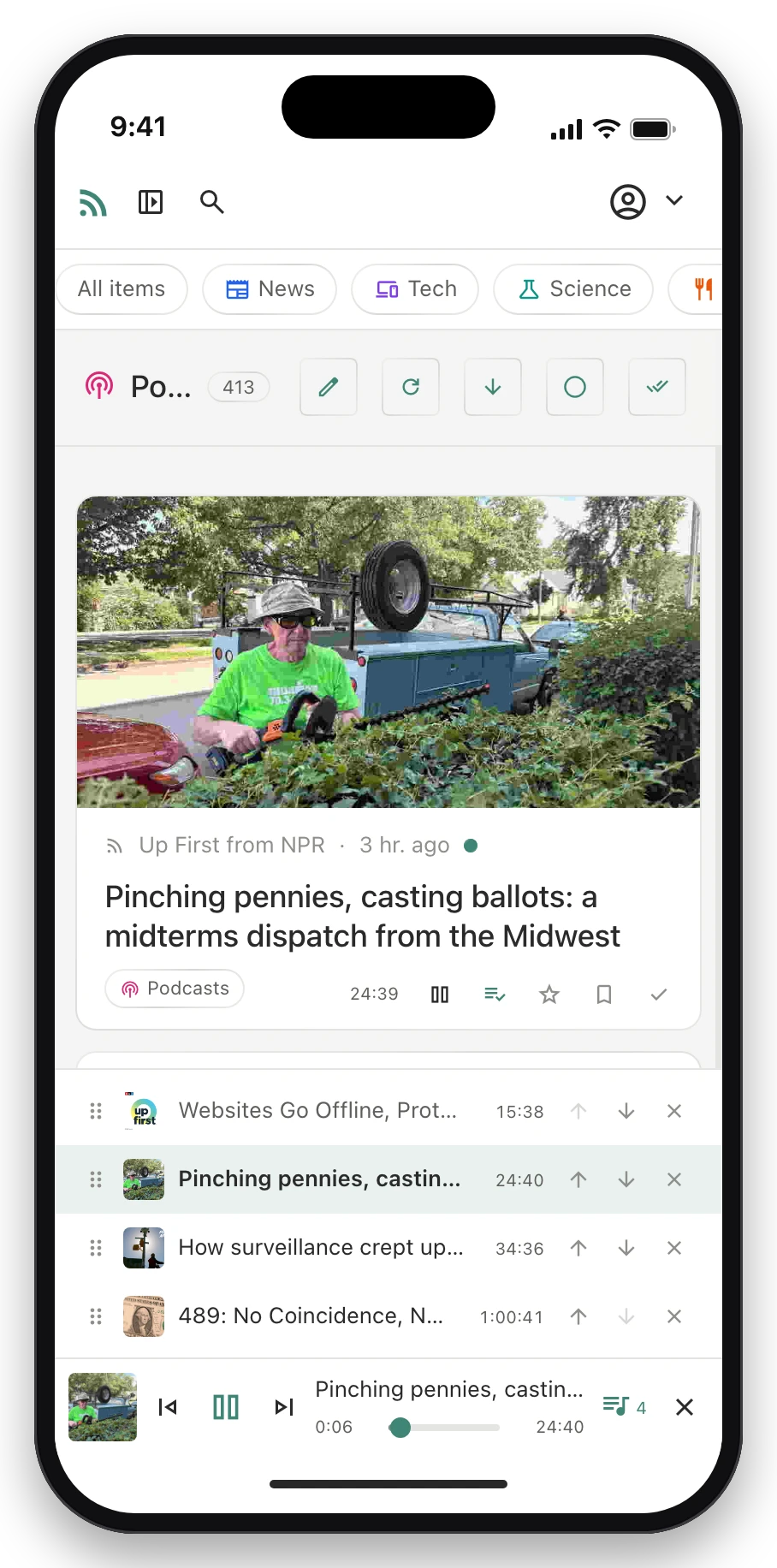
A persistent audio player with a reorderable playlist. An Apple Podcasts, SoundCloud or YouTube link pasted into “Add feed” subscribes to the show, channel or playlist; Shorts play in a portrait player. Episodes and videos with chapters list them under the player; a tap jumps to one.
Bluesky & Mastodon
A connected account contributes its home timeline, lists, custom feeds and followed accounts as feeds. Posts show their embedded images, links and quotes; likes and replies are sent from the reader.
“For you”, optional
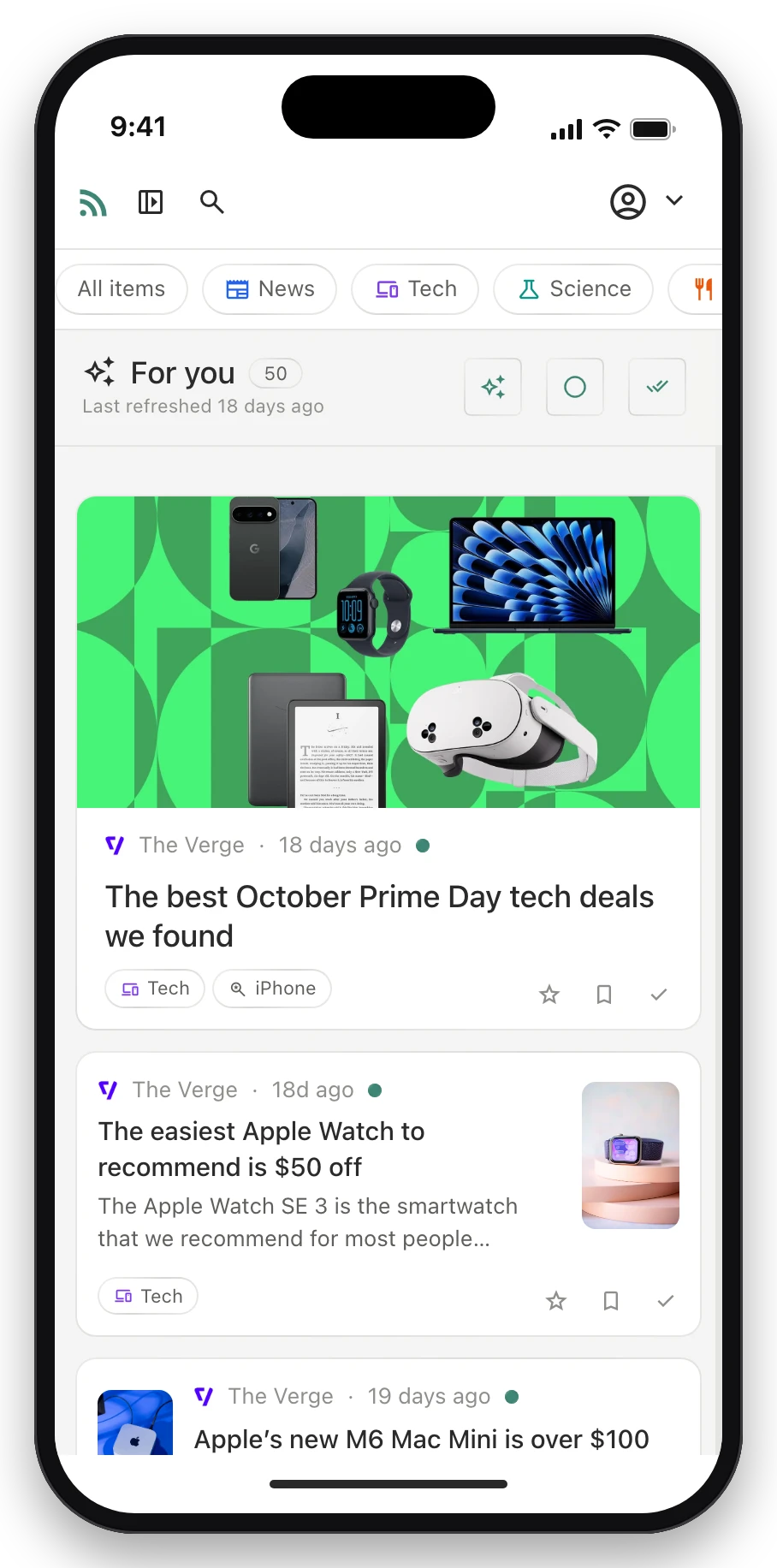
An optional ranking of unread articles, based on which entries get favorited, kept and read. It uses any OpenAI-compatible API, including local models through Ollama or LM Studio, or TypeSafe’s Jev scorer, and shows the cost of each run.
Feed management
Pasting a site address finds its feed. Feeds can be previewed before subscribing, imported and exported as OPML, sorted into tags nested up to three levels with colours and icons, and show their fetch status in plain language.
Mobile
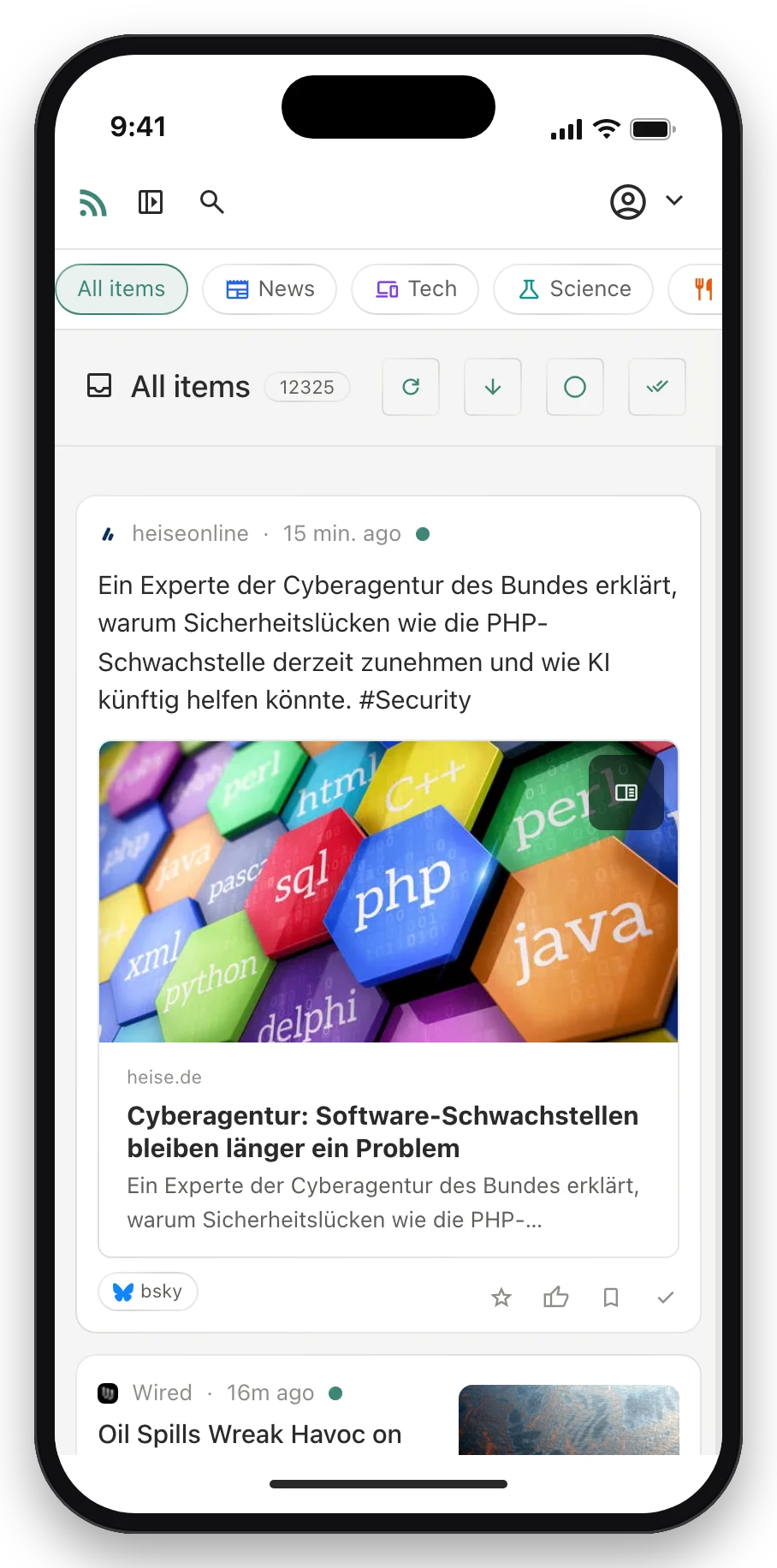
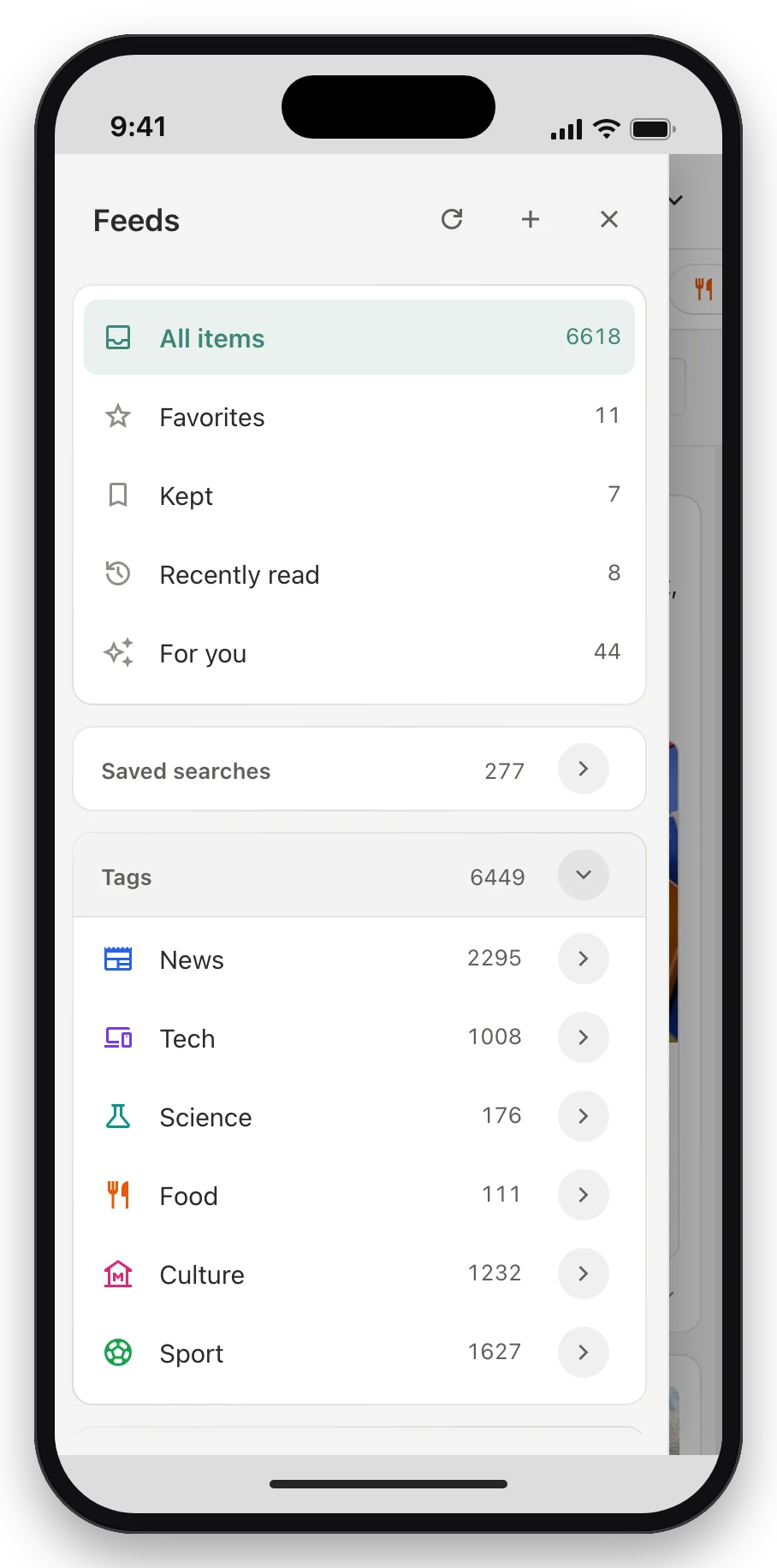
The same reader on a phone screen.
On small screens the sidebar collapses and opens with a swipe, lists refresh by pulling down, and controls are sized for touch. The player bar stays at the bottom and expands into a full-size player.
Organise
Every feed and tag in one place.
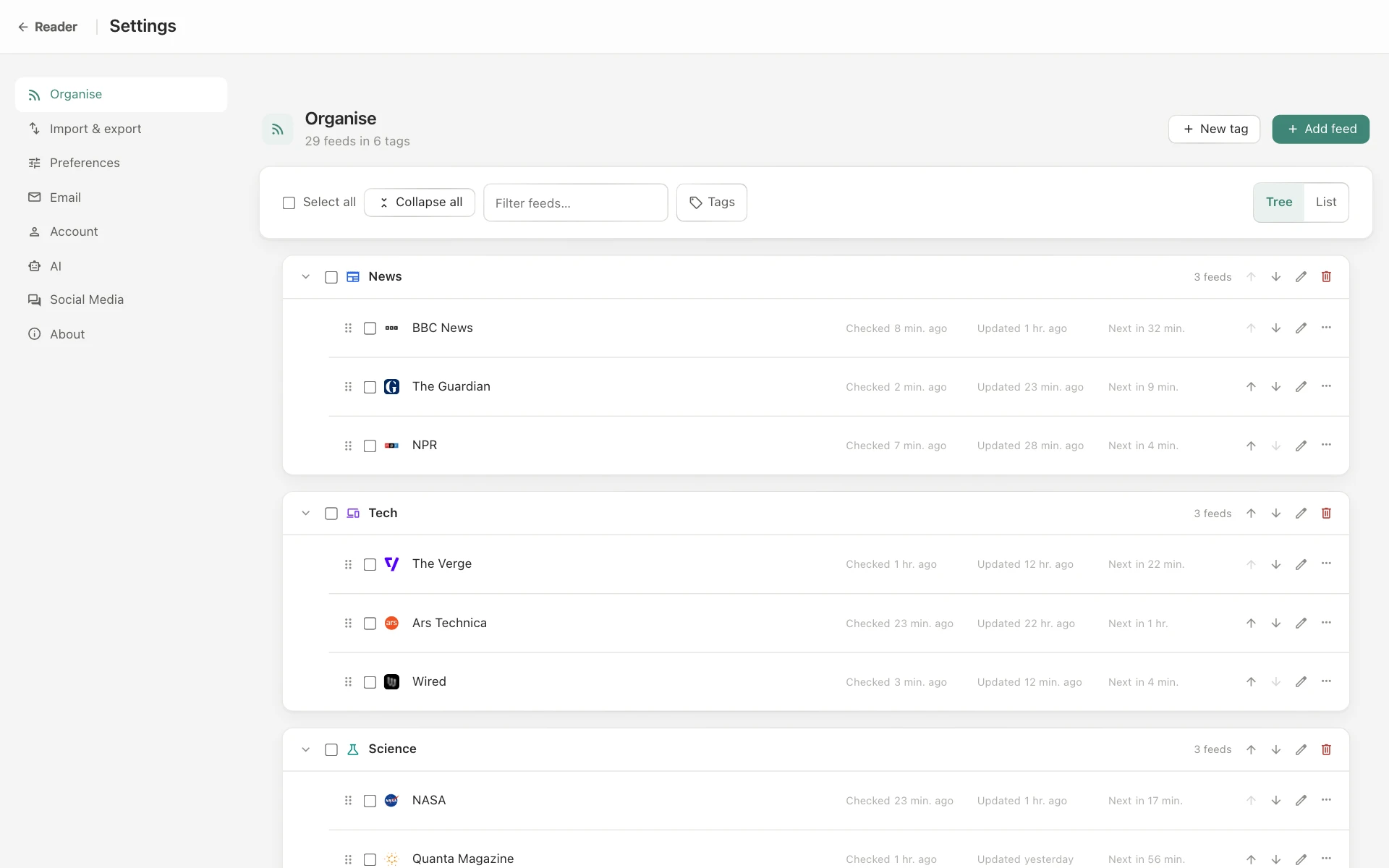
The Organise page lists all feeds and tags. Both are reordered by drag; several feeds can be selected at once to tag them or change their visibility; feeds that error or are gone can be retried or unsubscribed from the same list.
Self-hosted
Accounts, administration and data.
- Sign-in: email and password, Google, Apple or a passkey. Registration uses an invisible proof-of-work check, no CAPTCHA.
- Administration: approve, suspend and delete users; set trial periods and feed limits; configure SMTP and an outbound proxy, each with a test button.
- Data: a full account export as a backup file, restorable on another instance, or account deletion.
- AI: off unless configured, and then against any OpenAI-compatible provider, local models included.
Email digest
New matches by email.
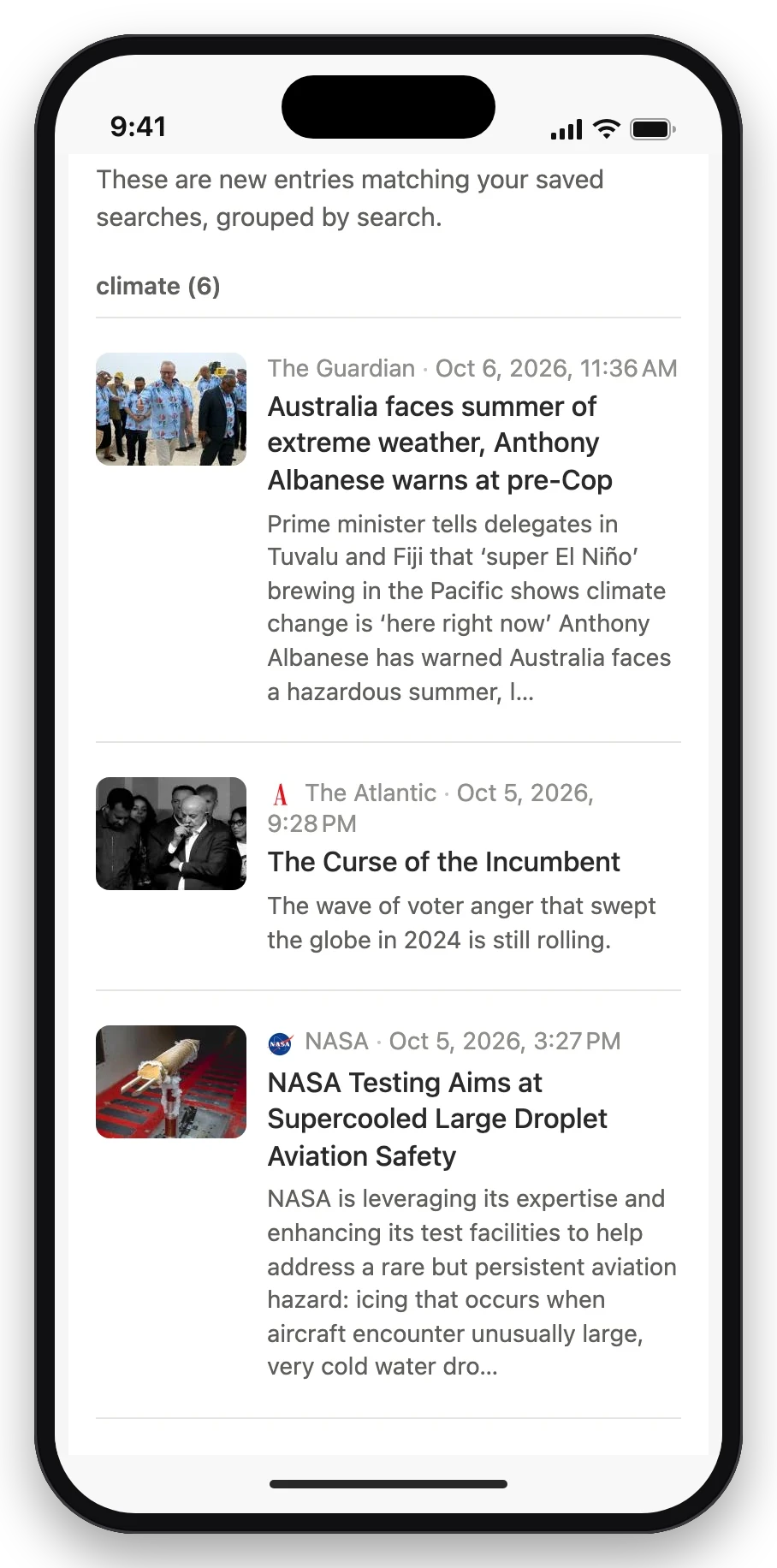
Saved searches can be included in an email digest. It lists everything new that matched since the last one, grouped by search, with the image, source and summary of each entry. Daily or weekly, as HTML or plain text, sent through the instance’s own mail settings.
Installation
One command.
Docker and git are the prerequisites. The installer clones the project, checks out the latest release, generates the secrets it can, asks for the rest, and starts the stack.
# read it first: scripts/install.sh — the installer never deletes data
curl -fsSL https://raw.githubusercontent.com/larspohlmann/simple-feed-reader/main/scripts/install.sh | bash
Personal
SQLite; search over titles and summaries. Three containers.
About 250 MB RAM
Several users
MySQL; search over titles and summaries. Four containers.
About 1 GB RAM
Full-text search
As M, plus Meilisearch indexing the full text of every article.
About 2.5 GB RAM
All three packages run the same application with every feature; they differ only in the containers beside it. TLS, reverse proxies, mail and backups are covered in docs/docker-production.md.